Paragon's Agent Sandbox Architecture: Tool Calls, Web Interaction, Autonomous Workflows
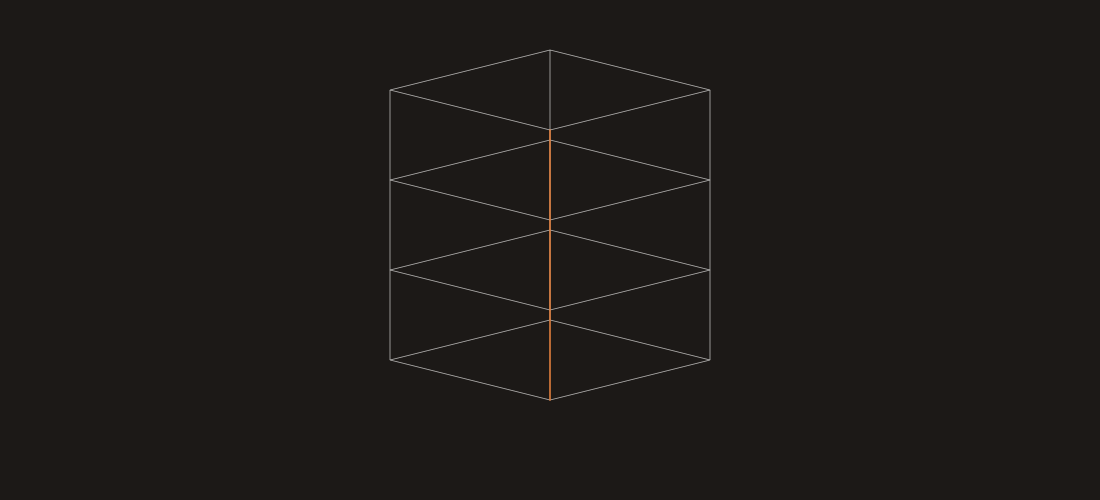
The four layers
Each layer has a specific job. Each layer publishes an interface the layer above consumes. Boundaries are strict.
- Runtime provides the isolated environment for one agent session.
- Interception records what the agent does inside that environment.
- Comparison evaluates the record against a baseline and against policy.
- Reporting turns evaluations into deploy artifacts.
Separation of concerns means each layer can be upgraded or replaced. If someone ships a better microVM host, runtime swaps in isolation. If a better trajectory differ arrives, comparison swaps it. The interfaces between layers are stable.
Layer 1: Isolated runtime
Every agent session runs in its own microVM.
Why microVMs and not containers. Northflank's 2026 research is the clearest public writing on the tradeoffs. Containers share a kernel. For agent workloads that execute untrusted code, drive browsers, and make network calls, kernel-shared isolation is not enough. MicroVMs (Firecracker, Kata) give each session a dedicated kernel with bounded startup cost (150-500ms typical).
What the runtime provides per session:
- Dedicated CPU and memory limits.
- Outbound-network filtering (allowlist of domains the agent can reach).
- Ephemeral filesystem (any writes die with the VM).
- Mounted access to a controlled instance of the tools the agent is declared to use.
- An instrumented browser when the agent drives one.
Billing is per-second of VM runtime plus resources consumed. Matches E2B and Daytona conventions.
Layer 2: Interception
Inside the microVM, the agent runs as it would in production. What differs is that every boundary between the agent and anything external is instrumented.
Four interception points.
Model API calls. Every call the agent makes to a model provider (Claude, GPT, Gemini, any OpenAI-compatible endpoint) passes through a proxy that records request, response, tokens, and latency.
Tool calls. Every function/tool call the agent attempts is intercepted before it reaches the actual tool. The interceptor records the call schema, arguments, authorization context, and the tool's response.
Browser actions. When the agent drives a browser (via Playwright or similar), every click, fill, navigation, and read is recorded as a structured event.
Workflow steps. For multi-step autonomous workflows, each step boundary is recorded with the inputs, outputs, and any re-planning decisions the agent made.
The result per session is a structured trace: an ordered list of events, fully inspectable, deterministic enough to replay for comparison.
Layer 3: Comparison
This is where validation happens. The trace from interception feeds into a comparison engine that runs several scorers in parallel.
Trajectory differ. Compares the new trace to the baseline trace for the same input. Surfaces: tool calls added or removed, order changes, argument deltas, branching differences.
Policy enforcer. Runs the declared policy against each tool call, browser action, and workflow step. Returns allow/deny/review with the specific rule that fired.
Claim extractor. For model generation steps, pulls the claims the model made and links each one to its evidence source (retrieval, tool output, prior step). Flags unsupported claims.
Groundedness scorer. Uses LLM-as-judge or a trained scorer to score each generation step against its evidence. Propagates a trace-level score.
Regression classifier. Aggregates the above into a pass/fail/review verdict per session and an aggregate verdict across the replay.
The comparison engine is parallel across sessions. 500 sessions typically finish in 5-15 minutes; scale with sandbox plan concurrency.
Layer 4: Reporting
The last layer turns the comparison results into things the engineer and the CI system can use.
Deploy gate artifact. A structured pass/fail/review result plus a signed artifact that plugs into CI. GitHub Actions integration ships by default; other CI systems via the standard REST interface.
Session-level diff report. For each failing session, the report includes: the input, the baseline trajectory, the new trajectory, the delta highlighted, and the specific rule or regression that triggered the fail. Engineers can reproduce the session locally.
Aggregate metrics. Across the replay: total sessions run, pass rate, regression rate, boundary violation count, drift indicators, average trajectory length delta. Feeds into the team's agent reliability dashboard.
Compliance artifact. For enterprise deployments, a signed evidence bundle (SOC 2 compatible) captures the sandbox run, the inputs, the outputs, the approver, and the timestamp. Feeds GRC systems.
How the layers connect
Data flows bottom to top. Control flows top to bottom.
A deploy proposed at Layer 4 triggers the runtime layer to spin up microVMs. Interception records into a shared trace buffer. The comparison engine consumes the traces. Reporting publishes results back to the CI that triggered the deploy.
Each interface is documented and versioned. Internal to Paragon; customers do not interact with the layer interfaces directly. They interact with the CI integration, the dashboard, and the report artifacts.
Performance profile
Typical numbers from Paragon pilots.
- MicroVM startup: 150-500 ms.
- Full session replay (short workflow, 3-5 tool calls): 5-15 seconds.
- Full session replay (long autonomous workflow, 20+ tool calls): 60-180 seconds.
- 500 sessions in parallel: 5-15 minutes wall clock.
- 1,000 sessions in parallel: 10-25 minutes wall clock.
- Storage per session trace: 50 KB to 2 MB depending on workflow depth and tool output size.
Concurrency is the main lever. Standard plan runs 100 concurrent sessions; enterprise plans run higher with committed capacity.
FAQ
Why microVMs over gVisor or containers?
Stronger isolation for agents running untrusted code or browsers. Default for enterprise deployments with compliance needs.
How is this different from E2B or Daytona?
E2B and Daytona ship runtime only. Paragon ships runtime + interception + comparison + reporting.
Can I self-host?
Yes, for enterprise — typical for air-gapped or data-residency deployments. Same architecture, customer-managed compute.
Does Paragon expose trace data?
Yes, via the Paragon API. Query for custom dashboards, observability integration, or building custom scorers.
If you want to start using Polarity, check out the docs.